Photo guide
You don’t need a professional photo. You need one where you can almost hear them.
How to choose and prepare a photo for your Pawdumi piece.


Checklist
Files the studio accepts: JPG, PNG or WEBP, up to 10 MB, at least 200 × 200 pixels. Export iPhone HEIC photos as JPG first.
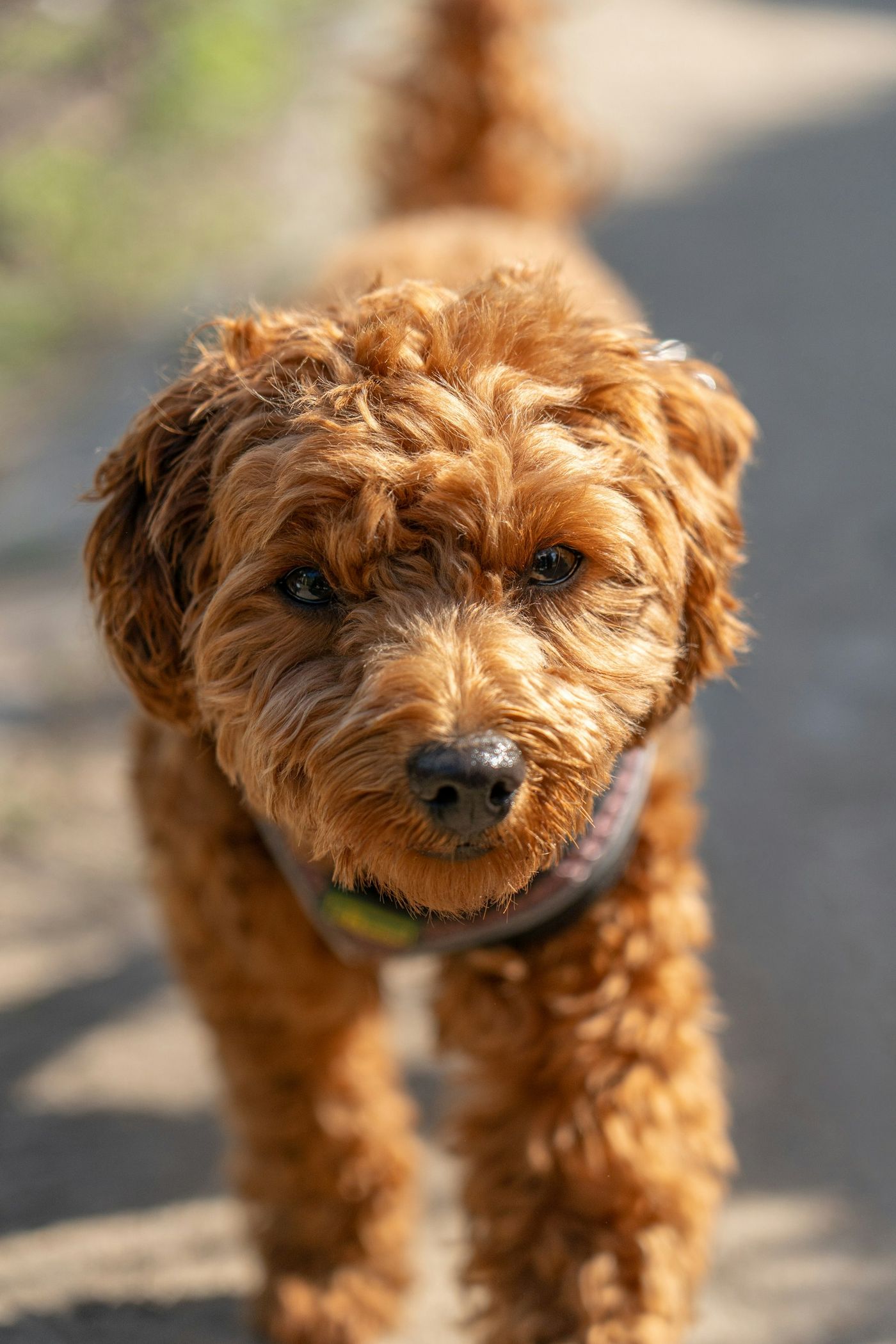
- Soft daylight from a window, a door or light shade. No flash.
- Camera at their eye level; both eyes and their markings visible.
- Leave a little space around the ears and chin.
- Use the original file, not a screenshot or a messaging-app copy.
- At least 1000 pixels on the shorter side is ideal.
